
Choose what to show before sharing
Before showing a map to the group, identify the window they will see. A game master’s desktop can contain notes outside the scene. Opening and checking a player view is a separate decision from showing everything you have open.
DMGrid beta 0.1.9 documents Player View, including map-only mode and fullscreen. This guide proposes manual preparation with fictional material; it promises no infallible isolation and does not present DMGrid as an internet multiplayer or video-call platform.
Prepare a scene without real secrets
For your rehearsal, invent a square with a fountain and a blue door the party already knows. On separate paper, write “The key is under the fountain”. This is an invented secret for checking preparation, not bundled product content.
You want to show the square and door without that note. Before the group sits down, decide how to present them. If you use another display or an external sharing tool, review its settings too: having Player View does not configure a separate tool’s destination.
Check from the group’s side
- Open the view intended for players and review its available presentation mode, including map-only if appropriate.
- Look at the result from the position or display the group will use. Confirm that it shows that view rather than another window containing notes.
- Change location or open a note during rehearsal, then look again. Do not assume a window selection remains correct after changing the presentation.
- Leave the known scene ready when finished. If something differs, correct the selection before showing the content.
These checks belong to your preparation; review the destination again whenever you change windows or presentation mode.
Separate the window from map knowledge
Even with the correct window selected, decide which areas the group should know. DMGrid describes hidden, visible and explored fog states. Choosing map-only does not replace that decision or mean that the whole map should be visible.
In this rehearsal, showing the square does not require revealing what lies beyond the door. Nor does a note become true merely by appearing on screen: events in the fiction are resolved during play.
Check the beta you are buying
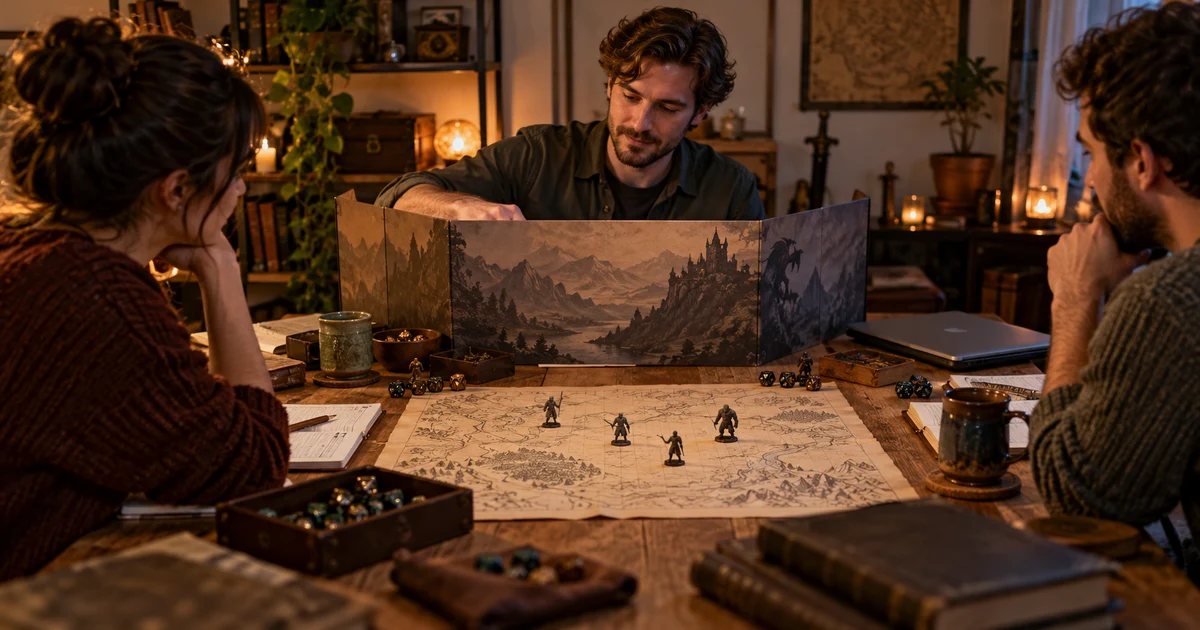
DMGrid is a paid Windows application that keeps campaigns on the computer for offline use. Direct download requires a license and acceptance of beta terms; it is not presented as a free demo. Check the features and limits and official site before deciding. The cover shows an illustrative table, not the application.