
Under D&D’s 2024 rules, a Grappled creature has Speed 0 and cannot increase it. When running a session in DMGrid, a circle representing movement distance does not establish that the creature can walk there: apply its current condition first.
DMGrid brings together the tactical board, pieces, initiative and campaign notes. Use them to preserve the scene; the rules decision needs to know who is grappled and what maintains it. This guide does not report testing automation of that condition.
The exit is close, but the grapple remains
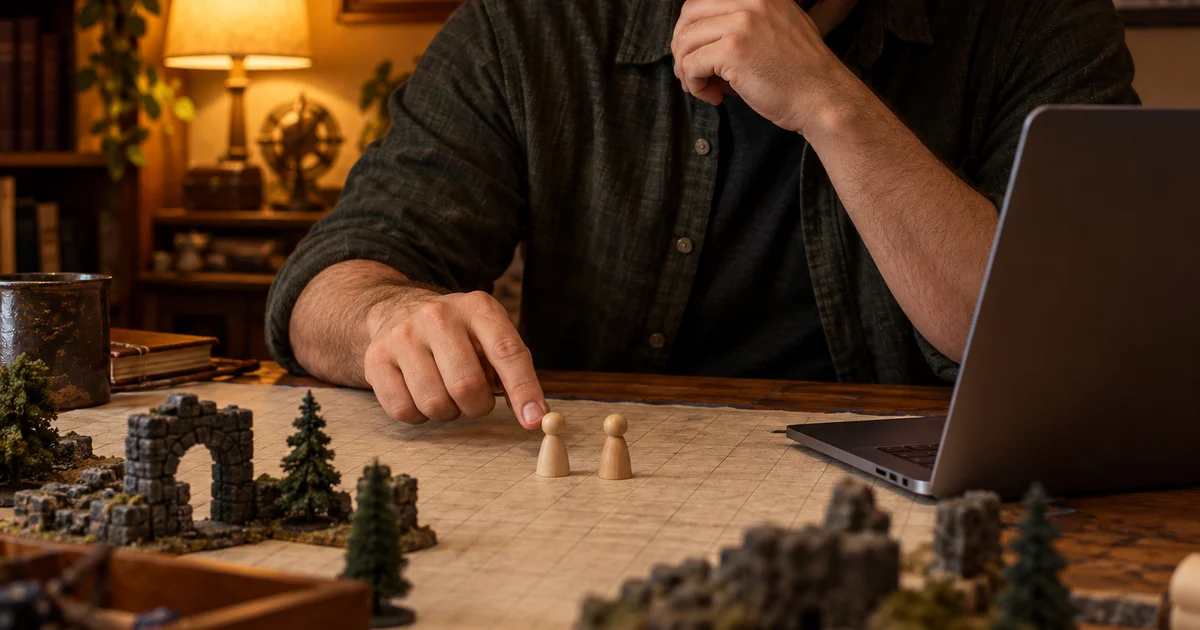
Original example: an adventurer stands beside the creature grappling them. A door is one square away. The table uses the 2024 rules and the grapple has not ended.
The short distance does not change Speed 0. Before moving the piece to “walk out”, resolve whether the grapple ends or another applicable action or effect changes the situation. Dragging a piece is not itself a rules resolution.
Grappled does not settle the entire turn
The 2024 condition also affects attacks: attacks against anyone other than the grappler have Disadvantage. Ask which target the player wants to attack, alongside checking reach and other applicable rules.
In this scene, attacking the grappler does not incur that Disadvantage from this condition alone. Attacking another creature does. Neither conclusion guarantees that an attack is possible or hits; other effects, requirements or conditions may apply.
Do not replace “Grappled” with “Incapacitated” in your note. They are different conditions. To escape, the 2024 rules allow an action to make a Strength (Athletics) or Dexterity (Acrobatics) check against the grapple’s escape DC; success ends the condition on that creature.
A useful note beside the board
In session notes, without assuming a special button, record:
- Who grapples whom and which effect caused it.
- Pending state: grapple active, Speed 0.
- Declared action and chosen target.
- The table’s resolved outcome and any condition change.
If the grapple ends, update the scene and review other effects before the next movement. Dragging a grappled creature has its own conditions; do not infer the cost merely from adjacent pieces.
Sources and next step
Read “Grappled” and “Grappling” in the official 2024 rules glossary. Confirm the edition and particular effects your table uses.
DMGrid’s product facts document its board and note tools. It is a Windows beta for an in-person campaign on one computer, with local data and a one-device licence. Review the current offer on the product website; its customer installer requires a purchased licence.